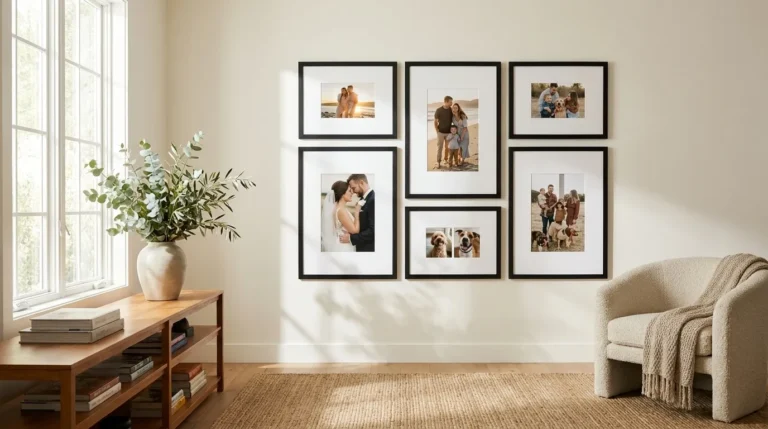
Written by: Daniel Koren, Co-Founder, Frameology | Last updated: April 16, 2026
Key takeaways
-
Augmented reality (AR) previews project true-to-scale photo frames onto your wall using your phone’s camera, so sizing and style feel clear instead of uncertain.
-
Frameology’s mobile AR tool requires no app download to provide accurate, realistic visualization.
-
AR reduces returns by 42% and boosts conversions by 78%, which gives shoppers more confidence in custom framing choices.
-
Follow a few simple steps: customize your frame on frameology.com, tap the AR icon, and preview it on your wall before you buy.
-
Experience Frameology’s industry-leading AR by previewing your frame on your wall before you purchase.
How augmented reality preview works for photo frames
Augmented reality preview uses your smartphone’s camera to overlay realistic, properly scaled digital frames onto your actual wall in real time. It shows you exactly how a frame will look in your specific space, including your wall color, lighting, and surrounding decor.
Modern AR technology uses advanced features like LiDAR-enabled instant placement for quick, accurate positioning without lengthy room scanning. This creates a true-to-scale preview that removes guesswork from custom framing decisions.
Frameology’s mobile-only AR tool runs directly in your browser, with no app download or account setup. Choose your frames or gallery walls, upload your photo, then tap the AR icon to see your framed memory projected onto your wall at actual size.
Why AR makes framing decisions easier
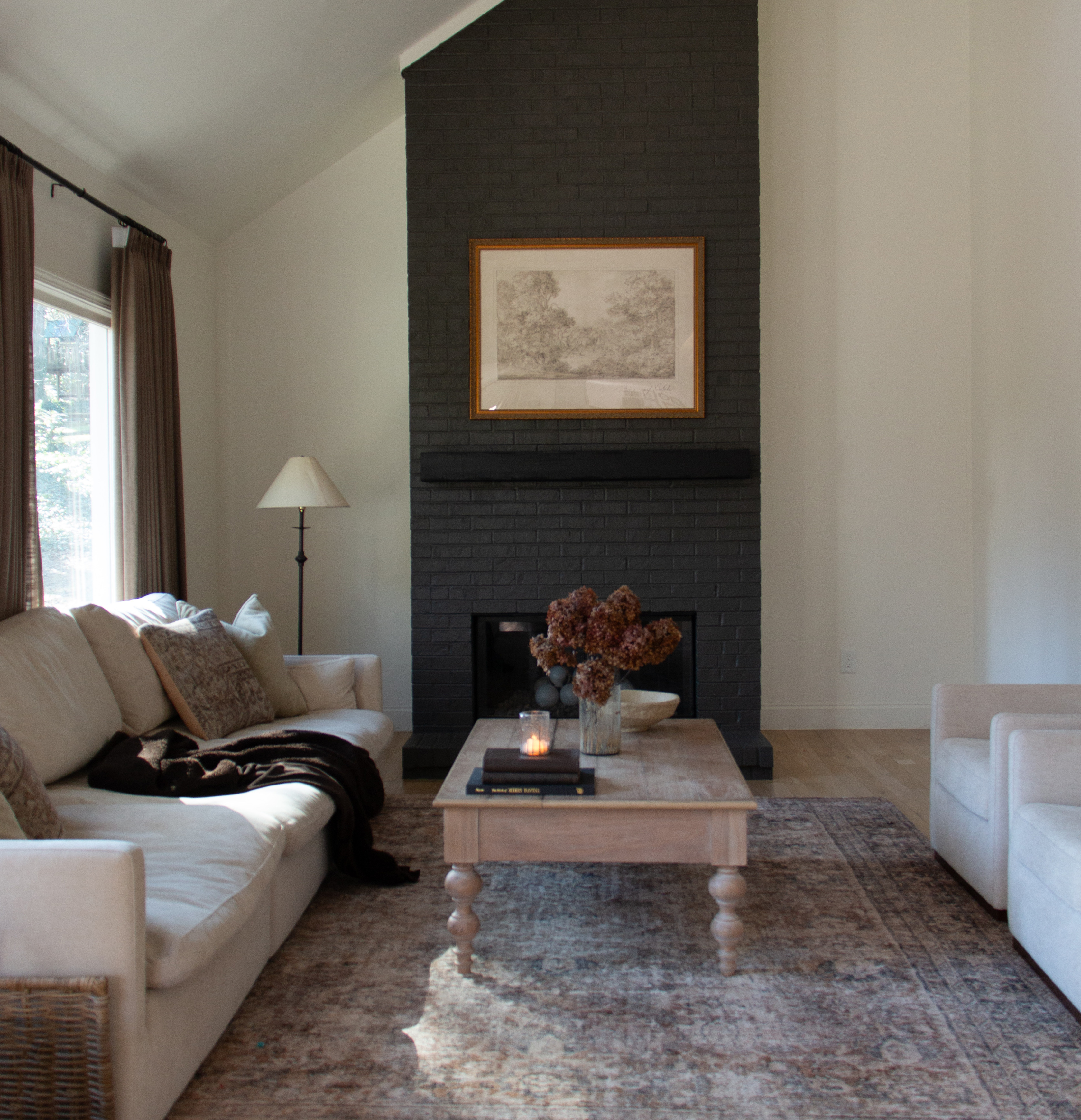
Online custom framing often causes decision fatigue. Shoppers face many frame styles, mat options, and sizes, so some abandon their carts rather than risk a wrong choice. AR preview removes this uncertainty. Shopify research found a 78% increase in conversion rates when customers use AR to preview wall art. At the same time, return rates drop 25-40% across home decor categories.
The technology particularly benefits Frameology’s diverse customer base by addressing each group’s specific concerns. Value-conscious shoppers can confidently select frames knowing exactly how they will look, which reduces the chance of buyer’s remorse on budget purchases.
Market research projects AR/VR interactive formats will grow at 15.61% CAGR through 2031, so now is a smart time to bring this technology into your framing process.
How to use Frameology’s AR preview: step-by-step
These six steps walk you through previewing your custom frame with Frameology’s augmented reality tool.
1. Navigate to Frameology on mobile: Open frameology.com on your smartphone and choose your desired frames or gallery wall based on your budget and quality preferences.
2. Upload your high-resolution photo: Select a photo from your camera roll. Frameology’s interface will notify you if the file size is not big enough.
3. Customize your frame: Choose your frame style, mat color, and frame size.
4. Tap the AR preview icon: Find the AR symbol on the product page. As mentioned earlier, the browser-based tool requires no downloads, so you simply tap and preview.
5. Point your camera at the wall: Hold your phone steady and point the camera at the wall where you plan to hang your frame. The AR tool uses physically-based rendering to show how your frame’s materials will appear under your room’s lighting. Move closer or farther until the preview feels natural and easy to judge.
6. Complete your purchase: After you feel good about the preview, return to the customization page and add the frame to your cart.
Learn more about why Frameology leads the online framing industry with heritage craftsmanship paired with modern technology.
Tips for accurate AR previews and easy fixes
A few simple habits help you get the most accurate AR preview on your wall.
-
Lighting considerations: Use the AR tool during your room’s typical lighting conditions. Modern AR tools include lighting simulation features that show how frames appear under different conditions, and starting with realistic lighting gives the clearest preview.
-
Distance and scale: Stand 3-4 feet from your wall for the most accurate scale. This distance gives the AR tool enough perspective information to calculate dimensions correctly. If the frame looks distorted, step back slightly and re-center the preview, because distortion usually means you are too close for the camera to read depth. The AR tool adjusts for perspective, but proper distance creates the most realistic result.
-
Wall surface preparation: AR works best on flat, uncluttered wall areas. Clear or reduce competing visual elements during preview so you can focus on how the frame fits your space.
-
Device compatibility: Frameology’s AR tool works on both iOS and Android devices with camera access enabled. Newer phones with advanced camera systems usually provide more precise tracking and smoother rendering.
-
Color accuracy: Your phone’s screen settings can shift color slightly. Frameology’s substrate-specific printing technology keeps your final frame aligned with professional color standards, even if your display shows minor variations.
Previewing gallery walls with AR
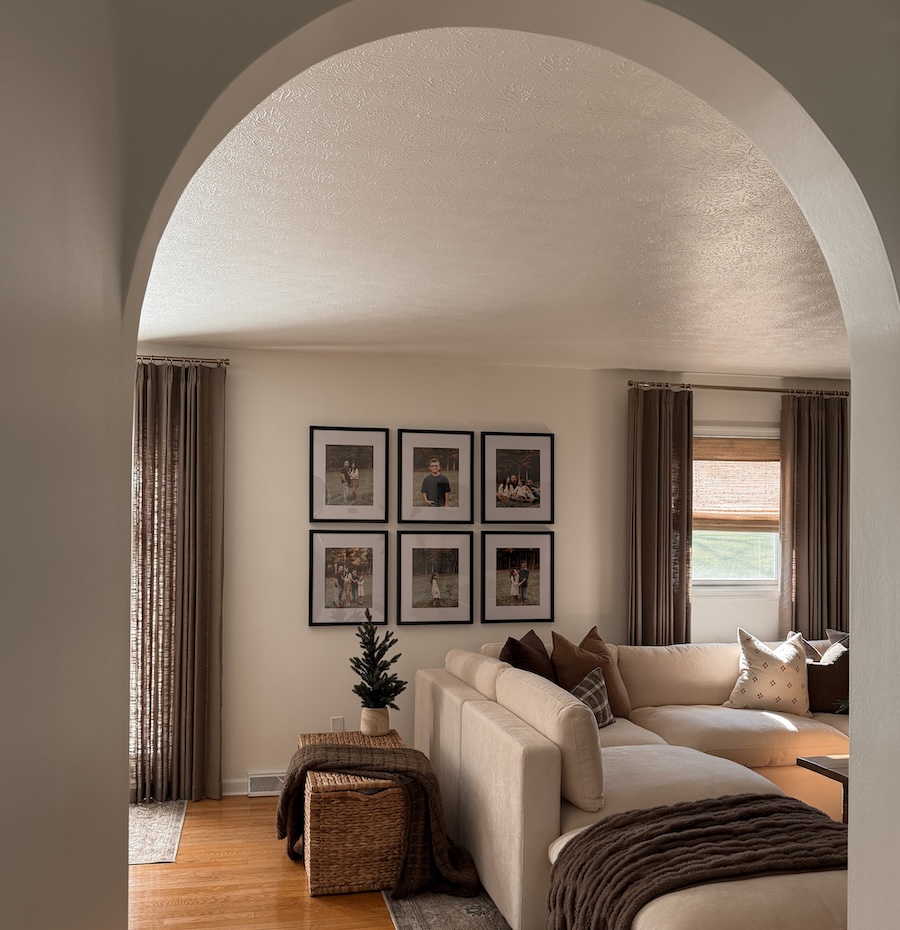
Frameology’s AR tool also helps you preview complete gallery wall layouts, not just single frames. Classic gallery walls include a custom, life-size gallery wall template for installation in under 30 minutes. The AR preview lets you see the entire layout on your wall before you order.
Luxe gallery walls offer museum-quality frames with premium hanging hardware included. Each Luxe gallery wall also includes a custom gallery wall template, and installation uses a slightly different process because of the dual-point hanging system.
Canvas and Metal gallery walls do not include a gallery wall template, so AR preview becomes especially helpful for visualizing these layouts before you buy.
Frequently asked questions
How does Frameology’s AR preview work without an app?
Frameology’s AR tool runs directly through your mobile web browser. You visit frameology.com on your smartphone, customize your frame, and tap the AR icon. Your phone’s camera and processor handle the augmented reality rendering, so you do not need any downloads or installations.
How accurate is the AR sizing compared to the actual frame?
Frameology’s AR tool provides true-to-scale representation when you use it correctly. The system accounts for your phone’s camera specifications and your distance from the wall to project accurate dimensions. For best results, stand 3-4 feet from your wall and use the tool in good lighting.
Can I preview gallery walls with the AR tool?
Frameology’s AR tool supports both individual frames and complete gallery wall layouts. This becomes especially useful for Canvas and Metal gallery walls, which do not include gallery wall templates.
Does the AR preview work on all phone types?
Frameology’s AR tool is compatible with most modern smartphones running iOS or Android with camera access enabled. The browser-based design avoids many compatibility issues that dedicated AR apps face, and newer phones with advanced cameras usually deliver the smoothest tracking and rendering.
See your frame on your wall before you buy and experience the confidence that comes with AR preview.
Conclusion
Augmented reality preview turns online custom framing from guesswork into a clear, visual decision. Frameology’s mobile-only AR tool leads the category with true-to-scale visualization, smooth integration with custom framing services, and no app requirements.
Whether you choose Classic frames for strong value or Luxe frames for museum-level quality, you can see how your memories will look on your wall before you commit. Try Frameology’s AR preview tool and discover why over 7,200 customers have given them a 4.98/5 star rating for combining heritage craftsmanship with modern technology.