Written by: Daniel Koren, Co-Founder, Frameology
Key takeaways
-
Augmented reality (AR) removes guesswork in gallery wall planning by projecting true-to-scale previews onto your wall, which significantly boosts conversions.
-
Frameology’s no-app mobile AR tool lets you upload photos and customize layouts instantly, and it works on any mobile device.
-
Follow six simple steps: choose layout, upload photos, customize frames, tap AR, adjust the preview, and order with included installation templates.
-
Classic gallery walls typically ship the next business day with swappable frames, while Luxe options offer museum-quality craftsmanship in 7-10 days, and both include life-size templates.
-
Transform your memories into precise gallery walls, and start previewing with Frameology’s free AR tool today.
Why AR previews make gallery wall planning easier
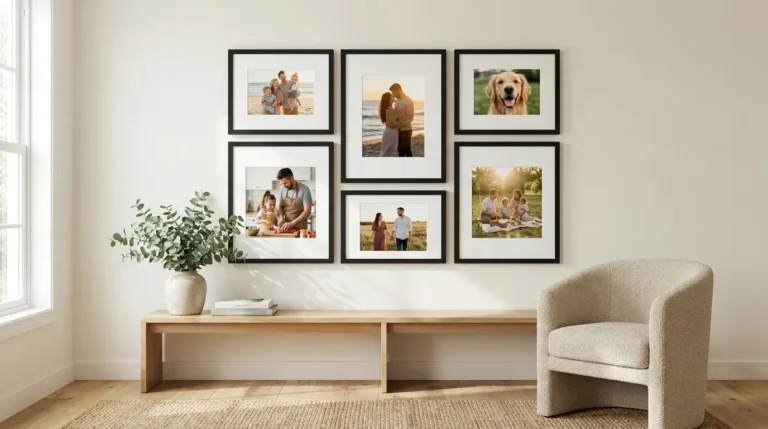
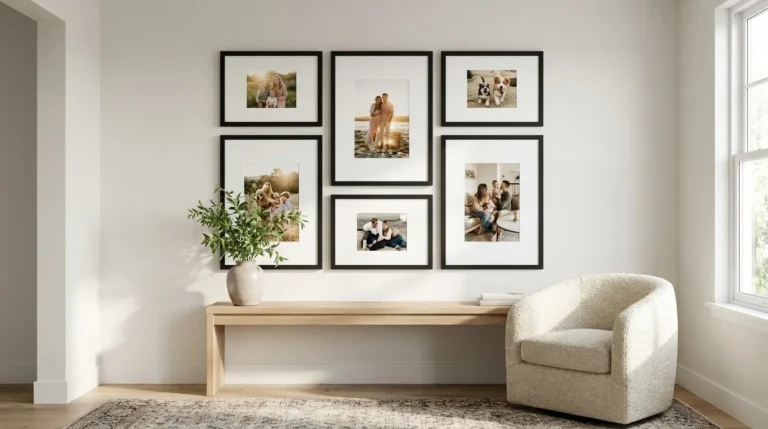
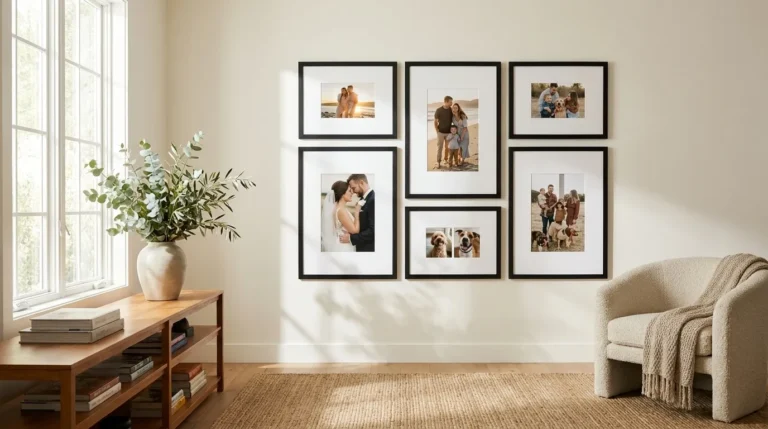
AR gallery wall previews replace measuring tape, pencil marks, and guesswork with accurate, on-wall visualization. Traditional planning often ends in crooked layouts, returns, or frames that never leave their boxes. Customers who use augmented reality have a 112% higher conversion rate and two times higher average order values compared to those who do not, because AR reduces uncertainty before purchase.
Frameology’s mobile AR preview uses your actual photos, so you see exactly how any gallery wall will look in your home. Frameology brings together more than 30 years of framing heritage, over 7,200 verified 5-star reviews (4.98/5 rating), and more than 1 million frames delivered. This combination of technology and craftsmanship turns gallery wall planning into a simple, confident process.
Best tools for AR gallery wall previews
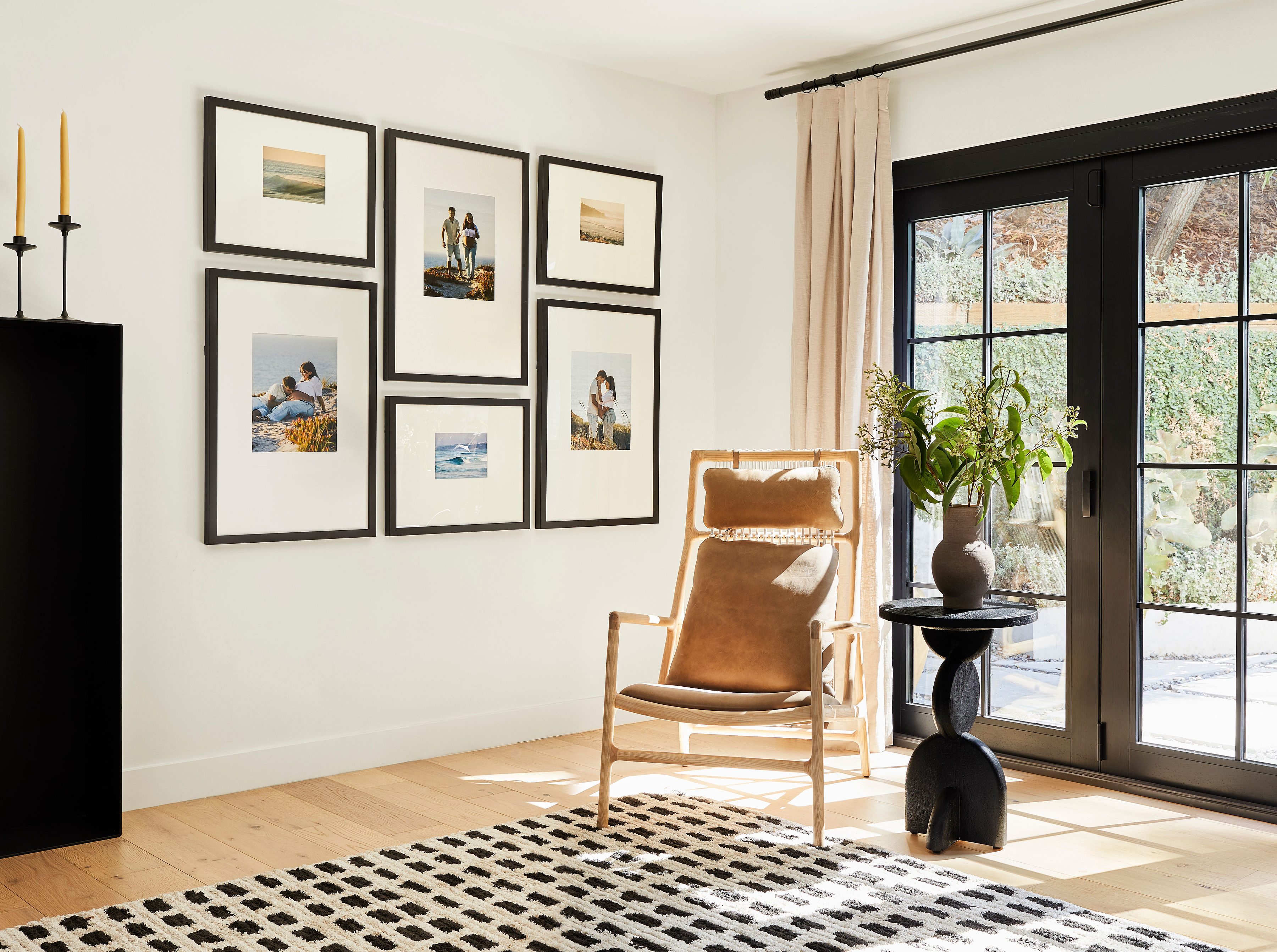
Now that AR’s value for gallery wall planning is clear, it helps to compare the tools available. Frameology leads the market with its no-download mobile AR tool that lets you customize gallery walls at frameology.com, upload your photos, and tap AR to project true-to-scale previews directly onto your wall. Unlike app-based alternatives that require downloads and account creation, Frameology’s browser-based experience works instantly on any mobile device.
Other AR visualization tools include app-based platforms that offer generic room visualization, web-based furniture placement tools with limited customization, and retailer-specific AR features that do not connect smoothly to checkout. These alternatives often require app downloads, limit photo customization, lack direct purchase integration, or fail to provide installation templates.
Frameology stands out because it offers a complete ecosystem: upload custom photos, preview with true-to-scale AR, then receive ready-to-hang Classic and Luxe gallery walls with life-size templates included. The conversion lift mentioned earlier comes from customers seeing exactly what they are buying before they commit. Learn why Frameology is the best online framing service for pairing heritage craftsmanship with modern technology.
Step-by-step guide: preview a gallery wall with AR
These six steps walk you through previewing your gallery wall with Frameology’s AR technology:
1. Choose your layout: Start by browsing Frameology’s curated gallery wall collections and pick a layout that fits your wall size and style. You can select flexible arrangements for larger spaces or refined two-frame displays for smaller areas.
2. Upload your photos: Select and upload the photos you want to feature. Use high-resolution images that capture your most meaningful memories, such as family vacations, milestones, or everyday moments you want to see on your wall.
3. Customize your gallery: Choose frame colors, mat options, and photo placement within your chosen layout. Frameology’s interface keeps the process intuitive and clear, so you can personalize your gallery without feeling overwhelmed.
4. Tap mobile AR: On your mobile device, tap the AR preview button. Your phone’s camera activates and shows a true-to-scale preview of your exact gallery wall directly on your real wall surface.
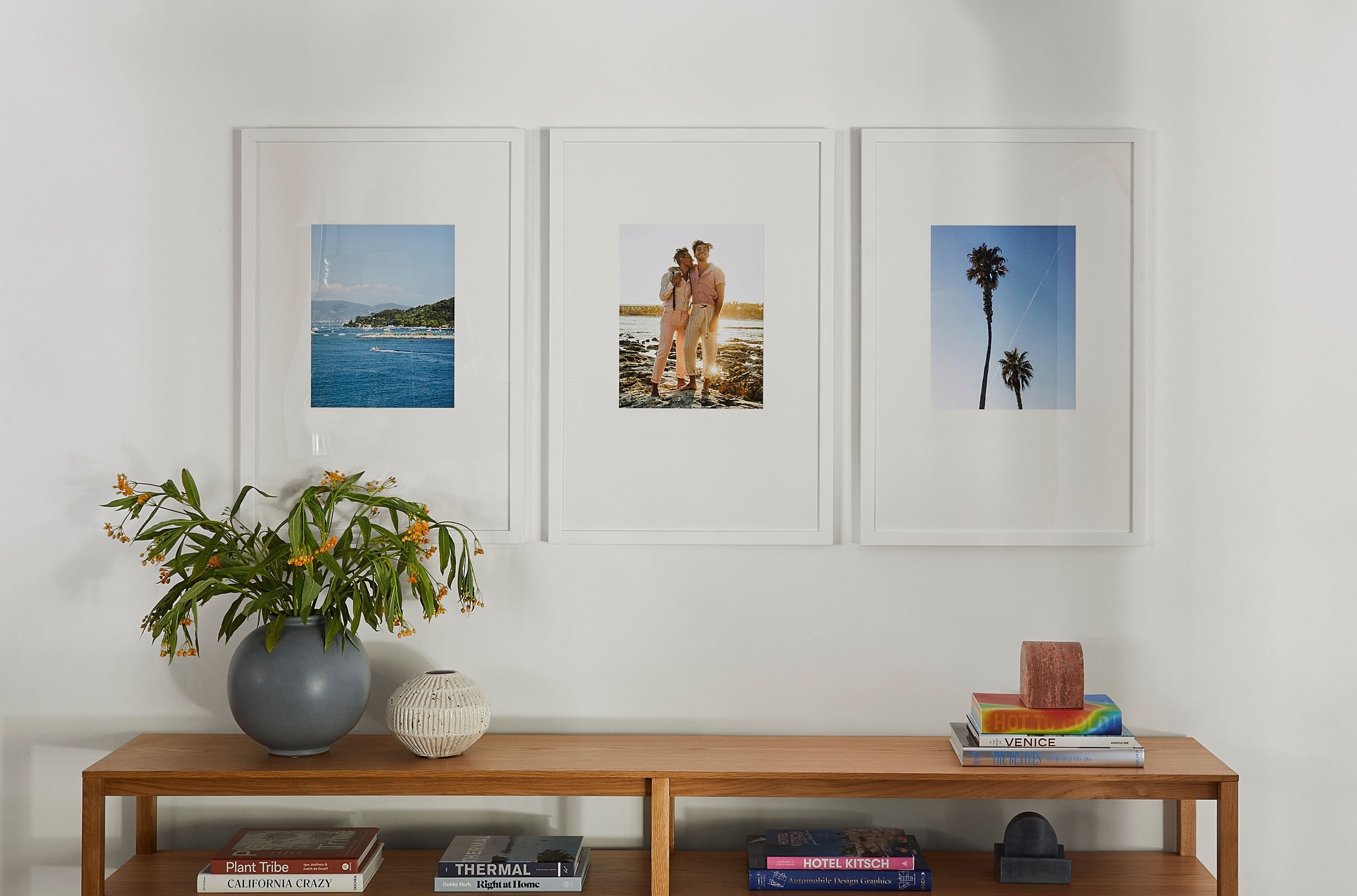
5. Adjust and perfect: Move your phone to view the gallery wall from different angles and distances. Aim to position the visual center at 57 inches from the floor, which aligns with average eye level.
6. Save and order: When you like what you see, you can complete your order. Your gallery wall will arrive with a custom gallery wall template for both Classic and Luxe options.
Installation checklist: Confirm that your room has even lighting for AR accuracy, clear wall space so the system can detect surfaces, and a steady phone position while you preview.
Preview the moments that matter with Frameology’s AR tool and turn your design into a finished gallery wall with confidence.
Gallery wall preview tips and troubleshooting
Strong AR performance starts with good lighting and smart positioning. Professional lighting guidelines recommend 25-35 degree light angles for even illumination and suggest avoiding direct glare on your phone screen during AR sessions.
Modern AR systems use AI-powered scene understanding to analyze rooms in real time. These systems identify walls and surfaces so they can place digital frames accurately. Textured walls, extreme lighting, or reflective surfaces can interfere with this process and reduce preview accuracy.
For best results, preview during natural daylight hours when your wall has clear contrast for AR tracking. This lighting foundation helps the system lock onto your wall. After that, hold your phone steady while you preview to keep the frames stable, then test from multiple viewing distances to confirm the gallery looks balanced from where you usually stand or sit. If scaling looks off, step back to capture more of the wall in your camera view, then move closer again to inspect details.
From AR preview to a perfect hang with Frameology
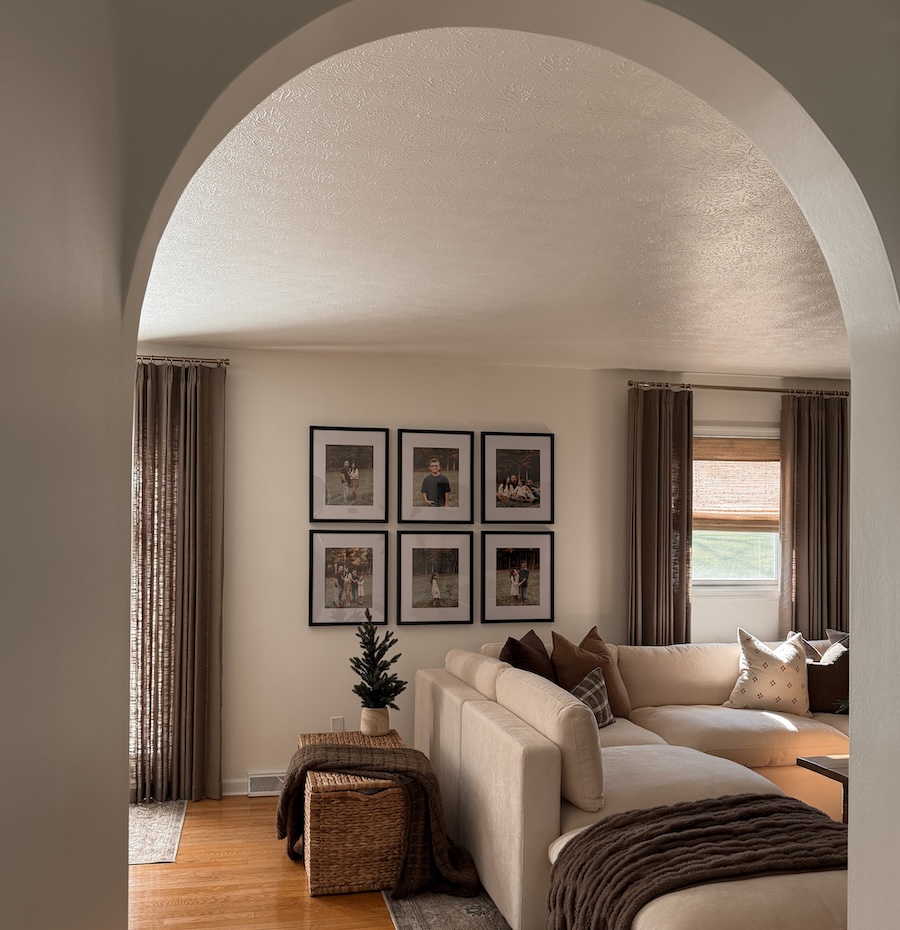
Once you finalize your AR preview, your order turns that on-screen layout into a physical gallery wall. Classic gallery walls include swappable frames with standard backing and single-point hanging systems. Luxe gallery walls feature sealed, permanent backing with premium dual-point hanging systems that provide museum-quality stability.
Every Classic and Luxe gallery wall includes a custom, life-size gallery wall template. Classic installation usually takes under 30 minutes. Luxe installation delivers museum-grade results with included hardware and a mini level. Canvas gallery walls and Gallery Wall Design Service options do not include templates because their construction is more specialized.
Frameology’s proven track record of customer satisfaction means you are choosing quality backed by thousands of verified reviews. The collaboration with Bobby Berk has brought viral attention to Frameology’s gallery wall solutions, highlighting both design expertise and ease of installation.
Frequently asked questions
How does Frameology’s AR tool work?
Frameology’s AR tool runs on mobile browsers and requires no app download. Visit frameology.com on your phone, customize your gallery wall, and tap the AR button. Your camera then shows a true-to-scale preview of your frames directly on your wall so you can see exactly how your gallery will look before you order.
What are the best free AR gallery wall apps?
Frameology offers a comprehensive free AR gallery wall experience without any app installation. While other platforms exist, Frameology uniquely combines custom photo upload, true-to-scale AR preview, direct purchase integration, and included installation templates for both Classic and Luxe gallery walls.
What is the difference between Classic and Luxe gallery walls?
Classic gallery walls provide strong value with fast shipping, swappable photos, and single-point hanging systems. Luxe gallery walls feature museum-quality, USA-crafted frames with sealed backing, premium dual-point hanging systems, and all hardware included. Both options arrive with a life-size gallery wall template for simple installation.
Do all gallery walls include hanging templates?
Classic and Luxe gallery walls include life-size gallery wall templates that make installation straightforward. Canvas galleries, Metal galleries, and gallery walls created using Frameology’s Gallery Wall Design Service do not include templates because their construction and customization follow different methods and often need more tailored installation.
How quickly do gallery walls ship?
Classic gallery walls typically ship the next business day and usually arrive within a week. Luxe gallery walls require 7-10 business days because of their artisan craftsmanship and USA manufacturing. Both timelines include the time needed to create your custom gallery wall template.
Can renters use gallery wall templates safely?
Yes, gallery wall templates work well for renters because they reduce guesswork and prevent extra holes. The template shows exact nail placement, so you only create the holes you need. Classic frames can pair with removable hanging solutions like Command strips, while Luxe frames require permanent installation due to their weight and premium hanging systems.
Conclusion
AR gallery wall previews turn an intimidating planning process into a relaxed, confident experience. Frameology’s no-app mobile AR tool, combined with custom gallery wall templates for both Classic and Luxe options, removes the usual stress of measuring, spacing, and installation guesswork. With 1.106 billion mobile AR users worldwide in 2026, this technology now plays a central role in confident home decorating decisions.
Preview the moments that matter at Frameology and see how augmented reality makes creating beautiful gallery walls accurate, simple, and enjoyable.